Skip to content

App Store and Google Play Publishing

From finished build to live in both stores, including review and rejection fixes.

Building the app is only half the job. The other half is getting it through Apple and Google, and that is where many launches stall: signing errors, missing privacy forms, rejected builds and vague reviewer messages.

I take that part off your plate.

What publishing includes

Accounts and signing. Apple Developer and Google Play Console set up under your name, with certificates, bundle IDs and signing keys done properly, so future updates are painless.

Store listing. Name, description, screenshots, category, age rating, pricing and countries. If you want, this is also where App Store Optimization starts.

Privacy and policy forms. Apple’s privacy labels, Google’s data safety form, a privacy policy link and account deletion if your app has accounts. These are a common reason for delays.

Testing and release. TestFlight and Play testing tracks first, then production. On Google Play, new personal developer accounts must run a closed test before production access, and I plan for that.

Review and rejections. If a reviewer rejects the build, I read the guideline they cite, fix the real cause and reply clearly. Most rejections are solved in one round when the reply is specific.

Good fit if

  • Your app is built and you want it live without learning both consoles
  • You were rejected and are not sure why
  • You need in-app purchases or subscriptions approved, see in-app purchases

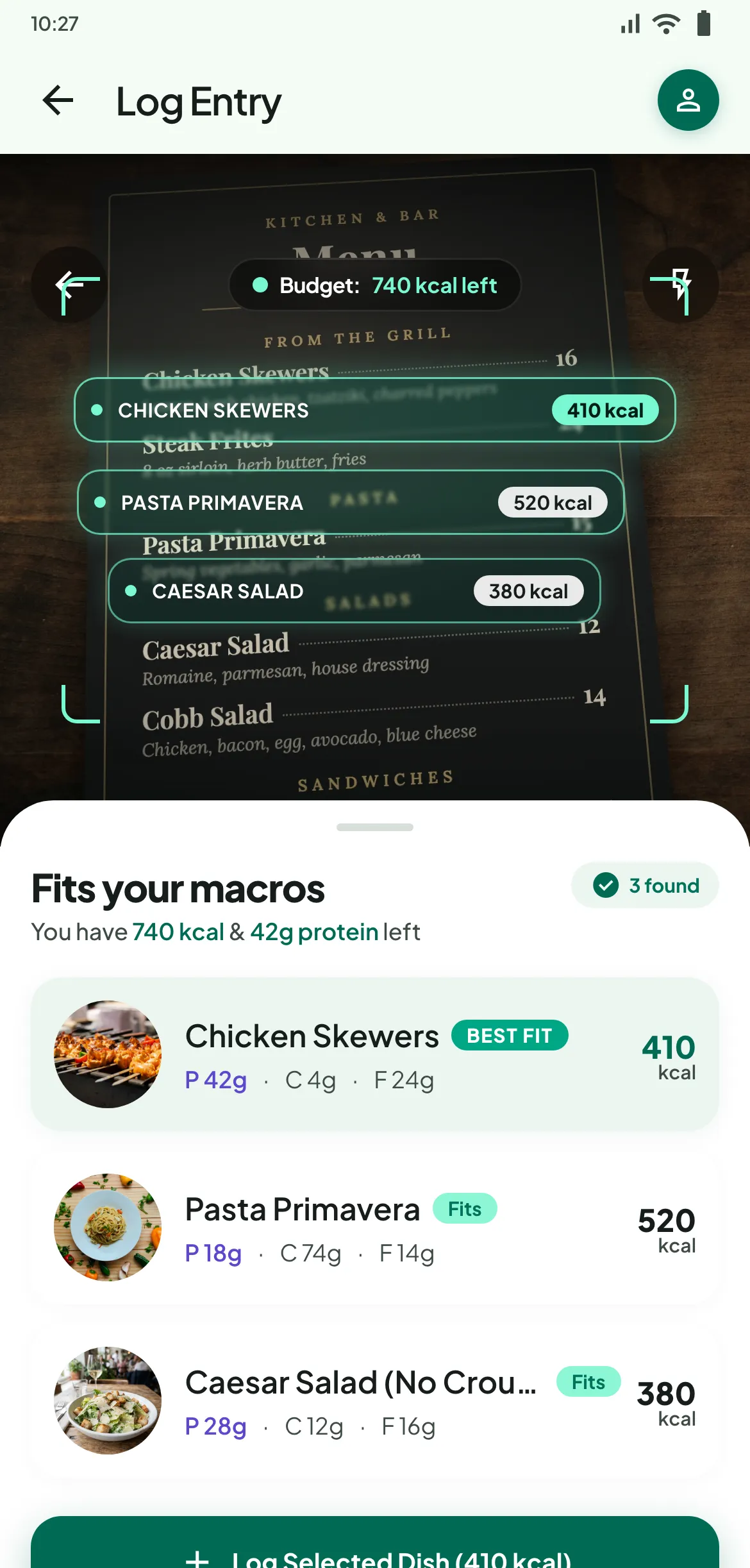
I have taken my own app, MacroScout, through both stores, including subscriptions.
Process

How it works.

01

Check

I review your build against Apple's App Review Guidelines and Google Play policies before anything is submitted.

02

Set up

Accounts, bundle IDs, signing, app records, pricing, countries and age ratings.

03

Submit

Listing, privacy details, test builds, then the production release.

04

Launch

I watch the review, answer any questions from Apple or Google and fix issues fast.

FAQ

App Store and Google Play Publishing: common questions.

Why do apps get rejected by Apple?

The common reasons are crashes or broken features during review, missing privacy information, unclear in-app purchase rules, login walls without a demo account, and apps that feel too thin or too similar to others. Most are fixable with a clear change and a short reply to the reviewer.

Do I need my own developer account?

Yes. The app should be published under your own Apple and Google accounts so you own it. I set it up with you and work through team access.

How long does review take?

It varies, and both stores can take longer for new accounts or new apps. I plan launch dates with some buffer for review questions.

Need help with app store and google play publishing?

Share what you are building or what is stuck. You get a straight answer on what I would do, how long it takes and whether I am the right fit.