Skip to content

Business Automation

Connect your tools and remove copy-and-paste work, with AI where it helps.

Most teams lose hours a week to work a computer could do: copying data from one tool to another, sending the same follow-up, updating a spreadsheet, chasing reminders.

I automate those tasks, using plain code where rules are clear and AI where the input is messy.

Automations I have built

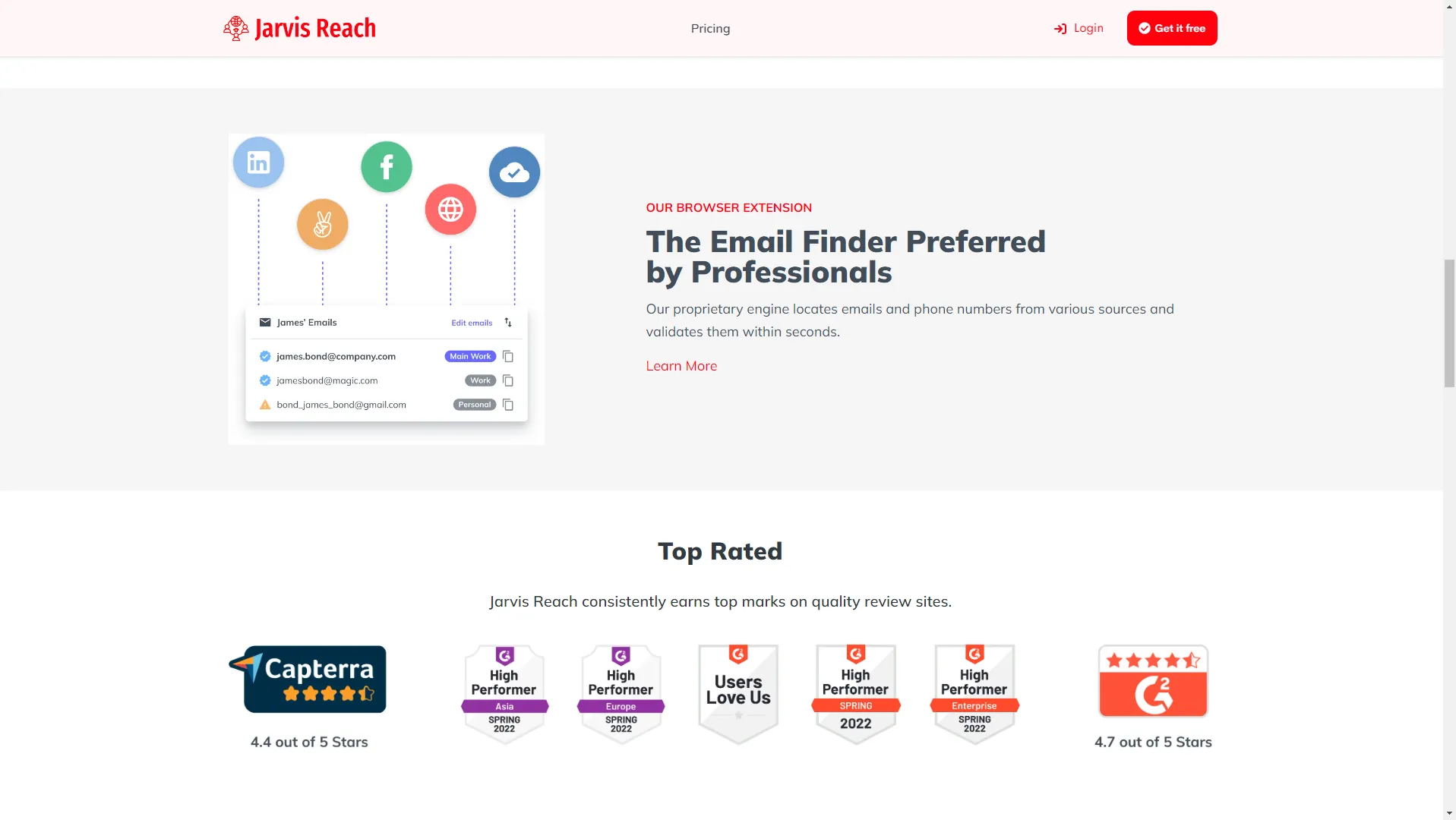
  • LinkedIn lead extraction and outreach in a browser extension, with CSV export and API sync. See JarvisReach.
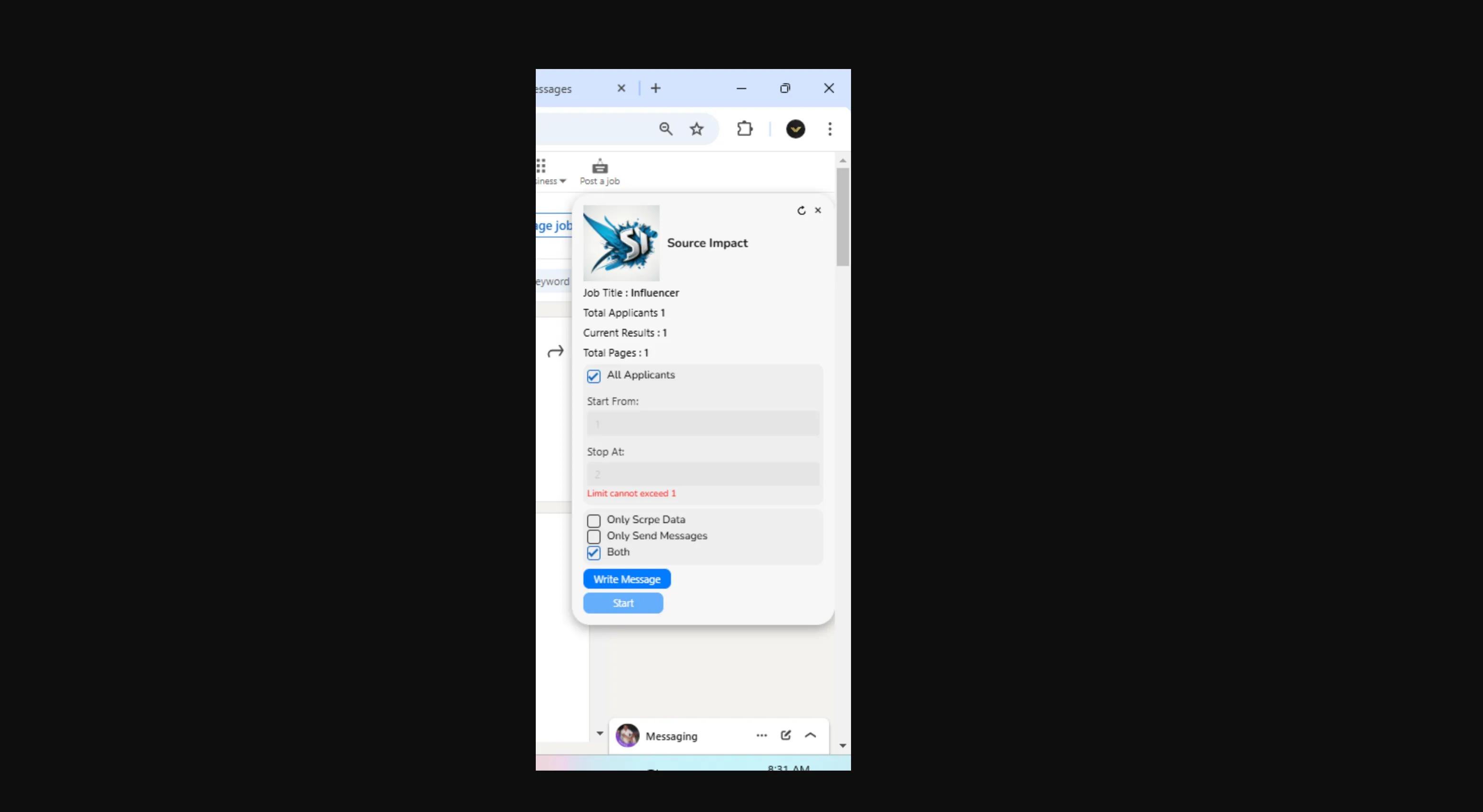
  • Applicant processing for recruiters: automatic messages and contact details exported to Google Sheets. See the project.
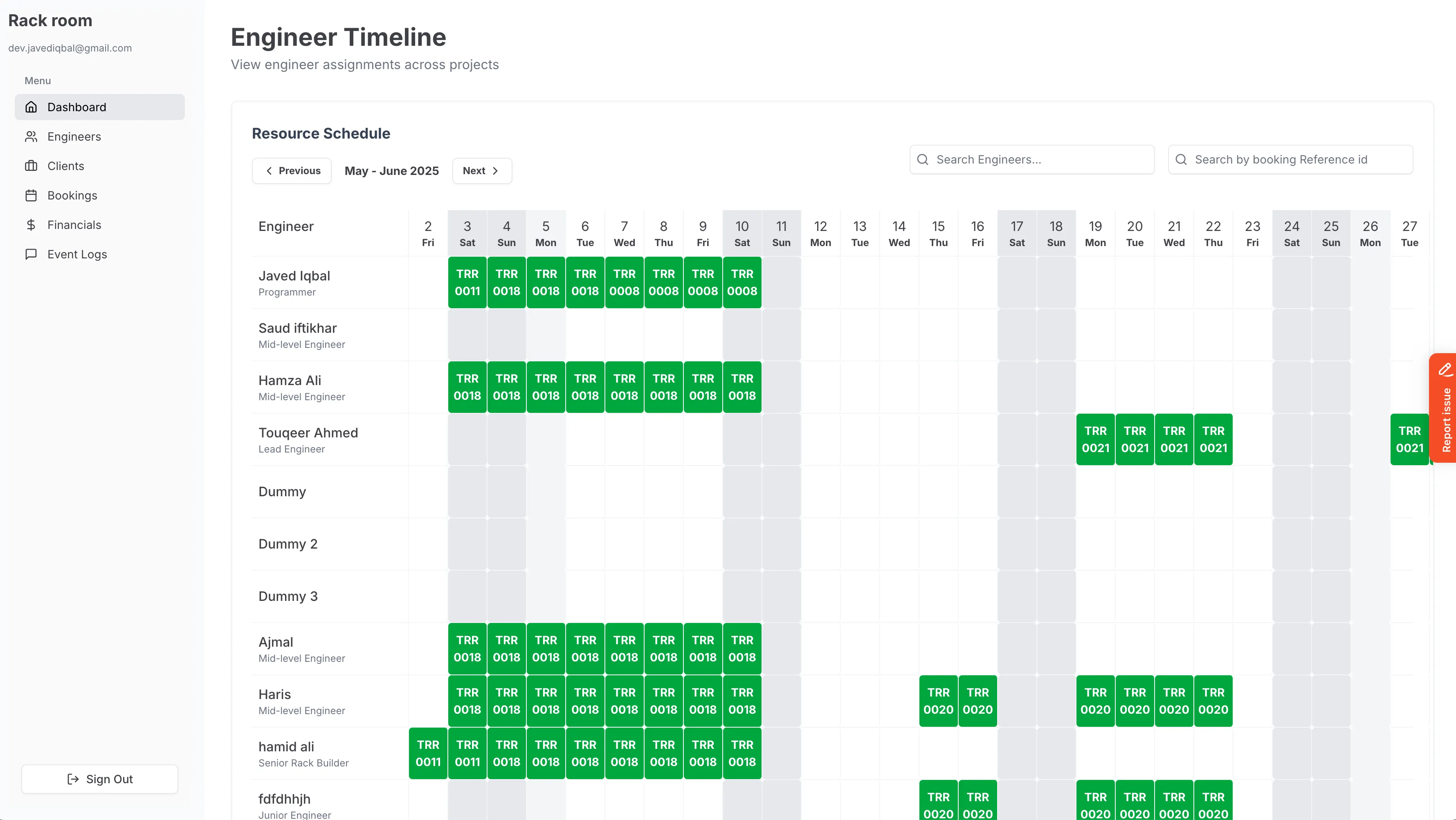
  • Automatic SMS booking updates with Twilio in a management system. See Rackroom.
Process

How it works.

01

Map

We list the tasks your team repeats and pick the ones with the biggest time savings.

02

Connect

APIs, webhooks, scripts or browser extensions link the tools you already use.

03

Automate

The task runs on its own, with AI handling messy text, emails or documents where needed.

04

Monitor

Logs, alerts and a simple way to pause or adjust each automation.

FAQ

Business Automation: common questions.

What can be automated?

Anything repeated, rule-based and done on a computer is a candidate. Common examples are moving data between tools, sending follow-ups, processing applicants or leads, booking reminders and weekly reports.

Do I need to change the tools I use?

Usually not. Most automation connects the tools you already have, through their APIs or, where there is no API, a browser extension.

Where does AI come in?

AI is useful for messy inputs, such as reading emails, sorting requests or pulling details out of documents. For clean, rule-based steps, plain code is cheaper and more reliable.

Need help with business automation?

Share what you are building or what is stuck. You get a straight answer on what I would do, how long it takes and whether I am the right fit.